

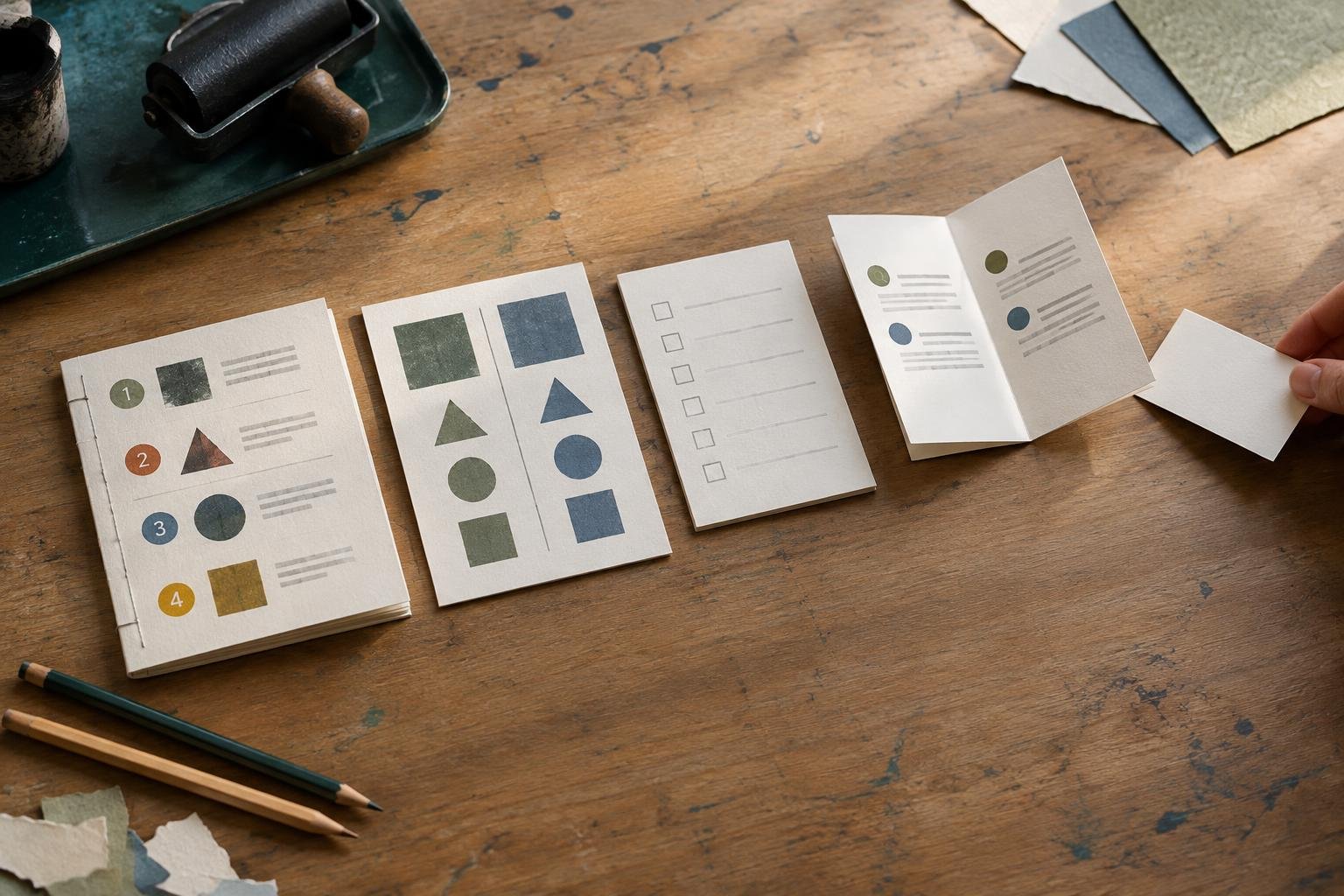
A useful topic can still frustrate readers if it’s presented in the wrong way. Someone looking for step-by-step instructions may struggle with a long personal essay, while a reader comparing two options may not find an answer in a general list of tips.
Choosing the right blog post format starts with a simple question: what structure will help readers use the information? The best fit depends less on what’s popular and more on what readers need to do, understand, or decide.
Choose a blog post format based on reader intent
Start by describing the reader’s goal in one sentence. For example: “I want to set up a weekly meal plan,” “I need to compare two email tools,” or “I’m trying to understand why my houseplant’s leaves are turning yellow.” This is more useful than starting with a format, such as “I want to write a list post.”
Next, consider what kind of help would move the reader forward. Do they need instructions, options to compare, ideas to choose from, or an explanation of a problem? Match the structure to that need:
- Do something: Use a how-to or tutorial with steps in the order they should happen.
- Choose between options: Use a comparison that explains differences and trade-offs.
- Find ideas: Use a list of examples organized around a clear theme.
- Understand a problem: Use an explainer that covers causes, signs, and possible next steps.
- Get quick answers: Use a focused FAQ for several related questions.
Search results and keyword research can show how people phrase their needs, but they shouldn’t make the decision for you. Use keyword research for a blog to explore related questions, then choose the format that can answer them clearly.
Common blog post formats and when to use them
How-to posts and tutorials
Choose a how-to when readers need to complete a task. A strong tutorial presents a sensible order of operations, explains what readers need before starting, and flags common mistakes where they’re most relevant. Keep the instructions focused on one outcome instead of trying to cover every related subject.
For example, a post about setting up a basic compost bin could cover choosing a location, adding materials, managing moisture, and checking progress. A collection of composting facts wouldn’t serve someone who came to set up a bin.
List posts
Lists work well for ideas, examples, or recommendations that share a clear purpose. The number of items matters less than whether each one earns its place. Explain what readers will get from the list, and group related items when that makes scanning easier.
A list titled “Ways to make a small balcony more useful” can offer a range of practical suggestions. A list becomes less helpful when it combines unrelated ideas just to reach a round number.
Comparison and review posts
Use a comparison when readers are weighing alternatives. Identify the factors that matter, such as cost, learning curve, maintenance, or the kind of user each option suits. A useful comparison explains trade-offs instead of declaring one choice best for everyone.
A review focuses more closely on one product, service, or experience. Explain what you evaluated and who might benefit. Be clear about limitations, too, so readers can judge whether your experience applies to their situation.
Explanatory and problem-solving posts
Use an explainer when readers need to understand how something works or why it happens. Define unfamiliar terms, build ideas in a logical order, and use examples to make abstract points easier to follow.
Problem-solving posts start with a symptom or obstacle and guide readers through likely causes and practical responses. Avoid promising one fix when several explanations are possible. A short diagnostic sequence can help readers decide what to check first.
Checklists, templates, and FAQs
A checklist helps readers verify that they’ve covered a set of items. A template gives them a starting point for creating something of their own, such as a planning document or email. Both formats need enough context to show how and when to use them.
An FAQ can work when a topic naturally leads to several distinct questions. Keep each answer direct, and avoid turning the page into a collection of unrelated topics. If the answers need detailed explanations, give each question its own section in a broader article.
Check your format before drafting
Before settling on a structure, write a one-sentence promise for the post. State what a reader will understand or be able to do after reading. Then ask four questions:
- What does the reader want? Name the task, decision, or information need as specifically as possible.
- What order makes sense? If readers must act in sequence, a tutorial is likely a better fit than a loose list.
- What will make the answer easier to use? A comparison may need a table, while a process may benefit from numbered steps or a checklist.
- Can I support this format? A review needs firsthand experience or dependable details. A comparison needs fair criteria. A tutorial needs accurate instructions.
If two formats seem possible, sketch a few headings for each. Choose the one that leads to the clearest, least repetitive explanation. A post about choosing a garden hose, for instance, might begin as a list of buying tips. But if readers mainly need to weigh length, material, and fittings, a comparison organized around those factors may be more useful.
Keep the format focused as you write
Once you’ve chosen a structure, use it to decide what belongs in the post. A how-to should prioritize steps and practical cautions. A comparison should return to the same criteria throughout. A list should make the connection between its items clear. Don’t add a lengthy background section just because it fits a familiar template.
Combining formats is fine when it helps readers. A tutorial might include a short checklist at the end, or a comparison might start with a brief explanation of each option. Keep one format in charge, though. Too many competing structures can make a post feel like several articles joined together.
After drafting, check whether your headings deliver the promise you made at the start. Can readers find the answer to a specific problem quickly? If they’re choosing between options, have you explained the trade-offs? For more layout and readability advice, see this guide to formatting a blog post readers can scan.
The best format is the one that makes a reader’s next step or decision easier. Start with their goal, choose the simplest structure that serves it, and let that choice guide your draft.