

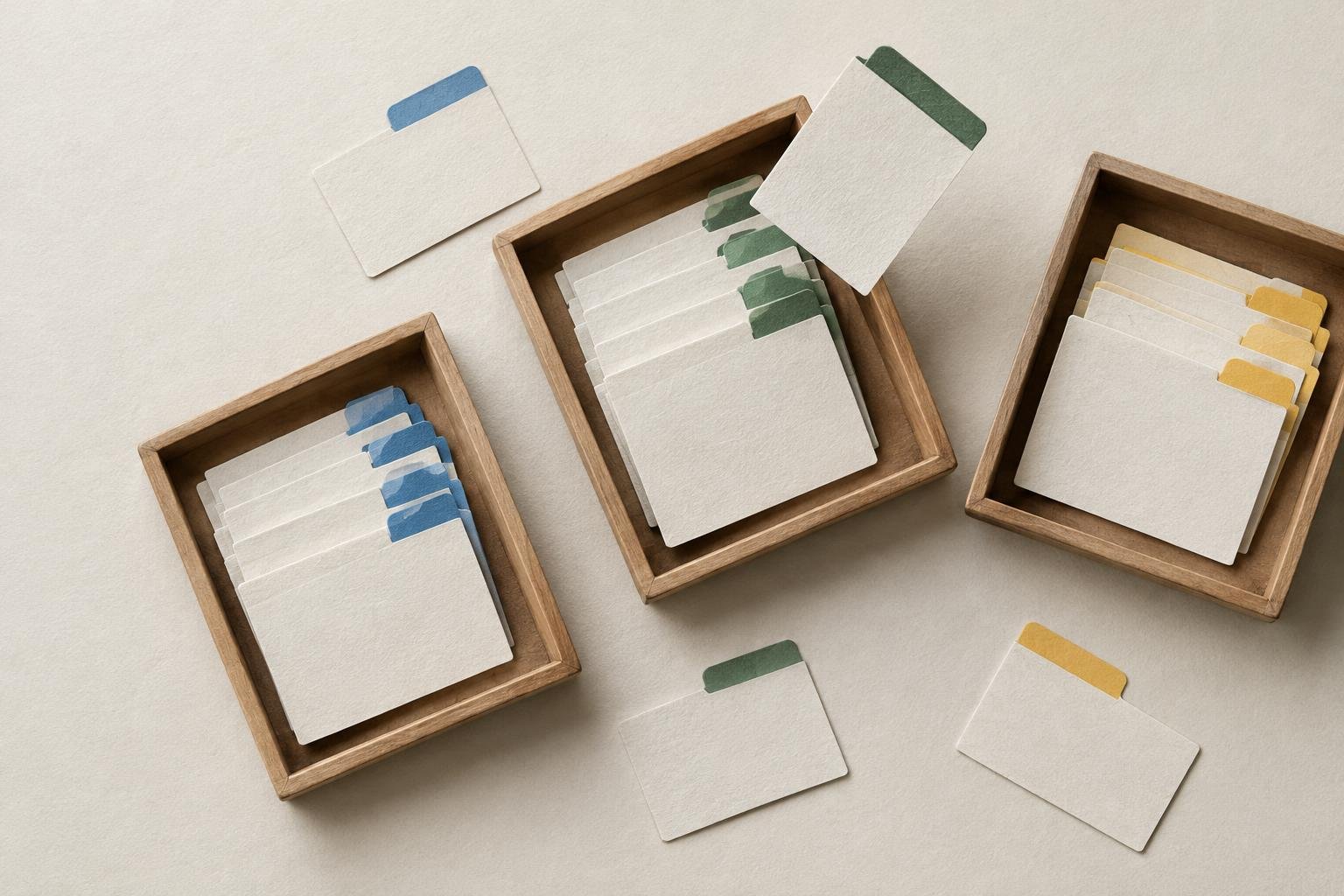
Choosing blog categories and tags can feel like a small setup task, but the choices affect how readers browse your site and how easily you can keep it organized. A few thoughtful labels make related posts easier to find. Too many overlapping labels can leave your menu cluttered and your archive pages nearly empty.
The goal isn’t to classify every detail in every post. It’s to create a simple structure that reflects the main subjects you cover. Here’s how to decide what belongs in a category, when to use a tag, and how to keep both useful as your blog grows.
Blog categories and tags: what’s the difference?
Categories are broad sections of your blog. They group posts by their main subject, much like the major sections in a reference book. A cooking blog might have categories such as Breakfast, Main Dishes, and Baking.
Tags are more specific labels that connect posts across those sections. On the same cooking blog, tags might include “vegetarian,” “weeknight,” or “freezer-friendly.” A tag can appear on posts in different categories if it describes a detail they share.
As a practical rule, ask yourself two questions:
- Category: What main subject does this post belong to?
- Tag: What specific detail might help someone find this post alongside other related posts?
Some blogging platforms require every post to have a category, while tags are usually optional. Check how your platform handles uncategorized posts, then choose a sensible default if needed.
Choose categories that reflect your blog’s main subjects
Start with the topics you plan to cover regularly, not every idea you might publish someday. Most beginner blogs can start with a short list of broad categories. The right number depends on your subject and publishing plans, but each category should have enough room to hold several useful posts over time.
Write down your main subject areas, then group ideas that belong together. For a beginner gardening blog, that might lead to categories such as:
- Getting Started
- Growing Vegetables
- Plant Care
- Garden Projects
These categories describe meaningful sections, rather than tiny variations on one topic. If “Tomato Watering,” “Basil Watering,” and “Pepper Watering” are each proposed as separate categories, they may work better as individual posts within a broader Plant Care section.
Check whether each category earns its place
Before adding a category, ask whether it represents a distinct subject readers would want to browse. Also consider whether you expect to publish more than one post about it. A category with a single post isn’t automatically wrong, especially on a new blog, but a growing collection of one-post categories can make the site feel fragmented.
Give categories concise names that readers can understand without knowing your private planning system. “Beginner Gardening” is clearer than an internal label like “Level One.” You can keep detailed planning language in your notes instead of showing it in your site navigation.
Use tags to connect posts by specific details
Tags work best when they describe a useful shared feature, rather than repeat the category. If a post sits in “Plant Care,” tagging it “plant care” adds little. A tag such as “indoor plants” could be more helpful if it connects several posts across different categories.
Think about how a reader might browse beyond the post they’re reading. Would the label help them find a meaningful group of other posts? If the answer is no, you probably don’t need it.
Keep your tags consistent. Choose one label for a concept and reuse it instead of creating near-duplicates such as “houseplants,” “indoor plants,” and “plants indoors” for the same kind of content. Before adding a new tag, review the list you already use. A little consistency prevents the same subject from being scattered across several nearly identical archive pages.
Set a simple system before publishing more posts
You don’t need a complex taxonomy or a perfect plan. A lightweight system is easier to maintain:
- List your recurring subjects. Use ideas you expect to cover more than once.
- Create a small set of broad categories. Make sure each one describes a clear section of the blog.
- Write a short definition for each category. This helps you choose consistently when a post could fit in more than one place.
- Use tags selectively. Add a tag only when it connects useful, related posts.
- Review your choices occasionally. Merge duplicates or adjust labels when your publishing plans become clearer.
For example, your category notes might say: “Plant Care: practical advice about watering, pruning, and keeping plants healthy.” If you later write about watering both houseplants and vegetables, that definition helps you decide whether each post belongs here or in another section.
Common category and tag mistakes to avoid
Making a new category for every post
A category should describe a recurring section, not just one article. If a topic is narrow and you have only one post about it, place the post in a broader category and revisit the structure later if you publish more.
Using categories and tags as the same label
When both systems repeat the same words, they don’t give readers a clear way to browse. Keep categories broad and tags more specific, or skip a tag if it doesn’t add anything.
Adding every possible tag
A long list of tags on every post doesn’t necessarily make a blog easier to use. Each label should connect posts in a way that matters to readers. If a tag is useful only for one article, it may be too narrow.
Changing names without checking old posts
If you rename or merge labels, review the posts assigned to them. Otherwise, an outdated category structure can stick around even after your plans change. When you’re already revisiting older articles, use a deliberate process to check their content and organization; this guide to updating old blog posts can help you plan that work.
Keep your system useful as the blog grows
Categories and tags are tools for browsing, not a scorecard for how much content you’ve published. A small blog may need only a few categories and occasional tags. As you add posts, watch for subjects that keep returning and labels that no longer help readers distinguish one group from another.
Before publishing each new post, choose the category that best describes its main subject. Add a tag only if it connects the article to other useful posts. That quick check helps your archive stay understandable without turning site organization into a separate project.